Create interactive data tables in React with ease.
ZingGrid allows developers to easily create React data tables and data grids by using Web Components, or by interacting directly with the API!

What can we create with ZingGrid?
ZingGrid is flexible enough to create many different types of data grids, depending on your data and application!
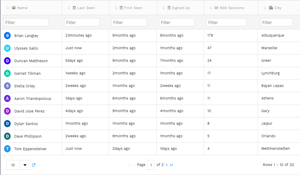
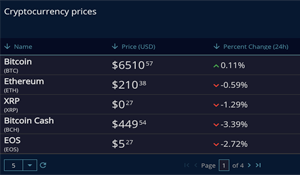

Interact with your Database
Connect your database to your front-end with our REST API attribute. Simply add your url structure to the grid and it will auto populate the records for you with full CRUD capabilities.
Get started with just a few lines of code
ZingGrid is built with web components and is framework agnostic. This allows developers of any framework to easily integrate ZingGrid into their applications. React especially benefits from ZingGrid as all of it’s API methods are directly on the DOM object! Simply using the React selector allows you to call methods and chain as usual!

1. Include ZingGrid in your site
<script src="https://cdn.zinggrid.com/zinggrid.min.js"></script>
2. Include the ZingGrid markup on your page
              <zing-grid
              id="myFirstGrid"
              caption="Hello Futurama"
              data='[
                { "name": "Philip J. Fry", "origin": "Earth" },
                { "name": "Turanga Leela", "origin": "Earth" },
                { "name": "Bender Bending Rodriguez", "origin": "Earth" }
              ]'
            ></zing-grid>
And that’s all there is to render a grid!
Optionally, we can interact with ZingGrid’s API methods with React to modify the data, retrieve information about the grid, and more!
              $(‘#myFirstGrid’)
                .setCaption(‘I am the caption’)
                .setData([{
                  "name": "Amy Wong",
                  "origin": "Mars"
                },
                {
                  "name": "Doctor John Zoidberg",
                  "origin": "Decapod 10"
                },
                {
                  "name": "Lord Nibbler",
                  "origin": "Earth"
                }]);